Amazon Seller Central’s New AI Canvas: Complete Guide for Sellers (2026)

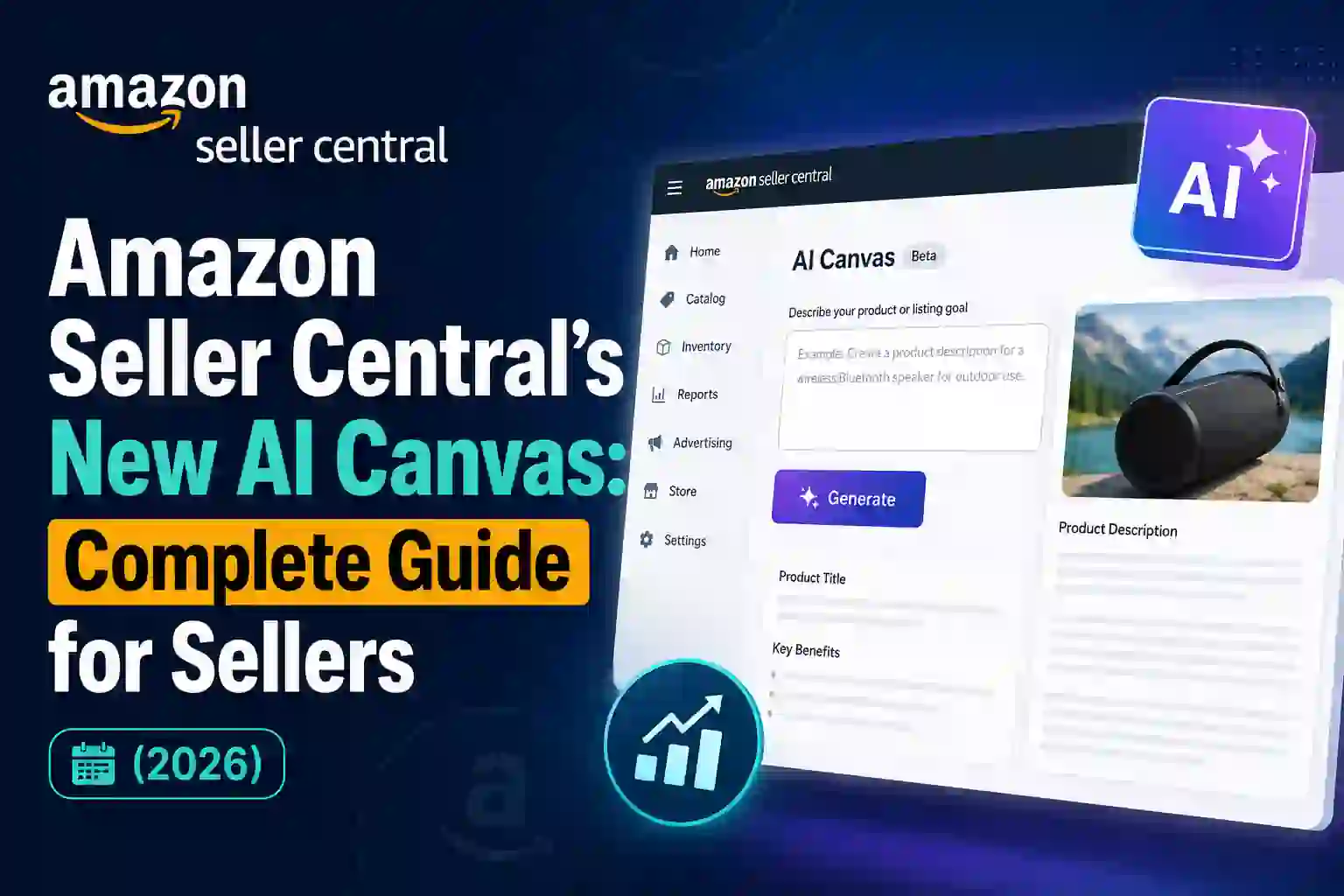
AI has been revolutionizing the eCommerce landscape, and Amazon remains at the forefront of that innovation through continuously releasing new tools for sellers. AI Canvas: AI Canvas is a new workspace introduced in 2026 that enables sellers to analyze data, generate insights, and make decisions faster using their own words.
With AI Canvas, sellers can simply pose their questions in plain English and get back visual dashboards, charts recommendations and actionable insights instead of navigating disparate reports one by one. AI Canvas can simplify hundreds of thousands of SKUs, so if you are a beginner managing your first product or a huge brand handling over 1000s of ASINs we have got the right tools to support your road towards well informed decision-making.
What you will learn in this guide:
What Amazon AI Canvas is
How AI Canvas works
Key business insights it provides
A step-by-step tutorial
Recommendations to maximize value from AI Canvas
Common mistakes to avoid
Frequently asked questions
Let’s dive in.
What Is Amazon AI Canvas?
Amazon AI Canvas is an integrated workspace in Amazon Seller Central powered by AI for data analytics and planning. Sellers can now converse with their business data via prompt instead of manually searching through reports.
Instead of opening multiple dashboards for sales, inventory, advertising and consumer metrics, the sellers can ask questions like:
Why did my sales drop this month?
What products are low on the shelf or running out of stock?
“Show my highest-converting products.”
“Compare sales this month with the previous month.”
How much ad spend will one particular ASIN have?
It collects relevant data, analyses it, and then shows you the results in the form of charts, graphs, summaries, and recommendations.
The goal is to decrease analysis time while assisting sellers in faster identification of opportunities and risks.
Why Amazon Introduced AI Canvas
Amazon businesses are requiring massive amounts of data every single day, including:
Sales reports
Inventory reports
Advertising performance
Customer feedback
Returns
Pricing
Account health metrics
Buy Box performance
Traffic data
This is where a lot of sellers fail to bridge the gap between all these data points into actionable insights.
The AI Canvas overcomes this challenge by serving as an intelligent assistant that can both interpret data intelligently and present it in a manner that is easy to understand.
Some of the salient Features of Amazon AI Canvas
Natural Language Queries
No more need for high level analytics knowledge.
Simply type questions like:
Why are my sales decreasing?
Which products need restocking?
What are my best-performing keywords?
What ASIN has the highest return rate?
Your question is translated by the AI, and then it fetches the related content.
Interactive Dashboards
AI Canvas doesn’t create reports, but builds interactive dashboards, which are represented as:
Charts
Graphs
Trend lines
Performance comparisons
Visual summaries
They help reveal patterns and trends within the business.
Automated Business Analysis
AI Canvas automatically identifies:
Declining sales
Inventory shortages
Seasonal trends
High advertising costs
Pricing issues
Customer satisfaction problems
It gives you some insight into what those numbers might mean, rather than just showing the numbers.
Cross-Report Insights
Until now sellers used to manually compare multiple reports.
AI Canvas can create data from:
Sales
Advertising
Inventory
Returns
Customer reviews
Account Health
This gives you a fuller picture of your business performance.
Actionable Recommendations
Instead of just reporting problems, AI Canvas might suggest some actions:
Increase inventory
Reduce advertising bids
Improve product images
Update keywords
Lower pricing
Improve product descriptions
These suggestions aid preferred sellers prioritising their next steps.
How Amazon AI Canvas Works
The workflow is really simple and understandable.
Step 1: Access AI Canvas
Step 1: Log in the Amazon Seller CentralNavigate to AI Canvas area (this will only be available on certain marketplaces and account rollouts as of October 2023)
Step 2: Ask a Question
Enter a prompt such as:
Show my sales trend.
Which products have declining conversions?
Compare Q1 and Q2 revenue.
Find products with low inventory.
Step 3: AI processes your query
This system then collects the corresponding information from your Seller Central data.
It may include:
Sales history
Advertising metrics
Inventory data
Customer feedback
Traffic
Buy Box statistics
Step 4: Review the Dashboard
The AI presents:
Visual charts
Tables
Key metrics
Summaries
Recommendations
Step 5: Make Business Decisions
Use these insights to:
Adjust pricing
Increase advertising
Restock inventory
Optimize listings
Launch promotions
Here are Some Business Insights AI Canvas Can Offer Its Customers
Sales Performance
AI Canvas provides answers to the questions such as:
Which products sell the most?
Which ASINs are declining?
Which categories are growing?
Inventory Management
It can identify:
Low stock items
Overstocked products
Slow-moving inventory
Restocking priorities
Advertising Insights
AI Canvas analyzes:
PPC spending
Advertising Cost of Sales (ACOS)
Return on Ad Spend (ROAS)
Click-through rates
Conversion rates
This helps optimize advertising campaigns.
Customer Behavior
The tool may highlight:
Products with high return rates
Negative review trends
Frequently mentioned customer issues
Customer satisfaction patterns
Profitability
Total Addressable Market: Beyond just revenue, AI Canvas can help to identify:
Products with shrinking margins
High fulfillment costs
Excess storage fees
High advertising expenses
Step-by-Step Tutorial
Step 1: Open Seller Central
Login to Your Amazon Seller Central
Step 2: Open AI Canvas
If you have access, go to AI Canvas Workspace
Step 3: Choose Your Goal
Establish the area of your analysis.
Examples include:
Sales
Inventory
Advertising
Profit
Customer feedback
Step 4: Enter a Prompt
Examples:
“Show products with decreasing sales.”
“Compare last month to this month.”
“Which listings need optimization?”
Step 5: Review Visual Results
Study:
Graphs
Charts
Trends
AI summaries
Step 6: Ask Follow-Up Questions
For example:
Why did sales decrease?
Which keyword performed best?
Which products need more inventory?
After that, the AI understands context and so it makes it easier to continue analysing.
Step 7: Apply Improvements
Act upon the insights
Update listings
Improve images
Optimize keywords
Increase inventory
Adjust advertising budgets
AI Canvas Best Practices
Ask Specific Questions
Instead of asking:
“Show sales.”
Ask:
Most popular products over the last 30 days by sales
The more specific the prompt is usually the more useful results.
Analyze Trends Regularly
Review your data weekly/monthly to see changes in advance.
Combine Multiple Metrics
Look at sales alongside:
Advertising
Inventory
Returns
Reviews
This gives a more complete view.
Verify Important Decisions
AI Canvas is a decision-support utility. If you are considering making serious changes in the business, check back to the underlying reports and pay attention to market conditions.
Keep Listings Optimized
The insights are worthwhile but only if your listings are top notch and the quality is great. Regularly update:
Titles
Bullet points
Images
Keywords
Product descriptions
Monitor Inventory
Stockout prevention — In the peak shopping seasons, swamped with various inventory insights is also important.
Track Advertising Performance
Monitor advertising KPIs on an ongoing basis to locate cost-inefficient campaigns.
Common Mistakes to Avoid
Relying Solely on AI
Approach AI recommendations as a suggestion but lean on your common sense.
Ignoring Seasonal Trends
Year on year comparison for similar time periods lessens the impact of seasonality.
Asking Vague Questions
Prompts that are precise will give you the most professional insights.
Neglecting Data Accuracy
Keep your listings, inventory and campaign settings updated so the AI has the correct data on which to work
Advantages for Various Kinds of Sellers
New Sellers
Easier to understand business performance
Reduced learning curve
Faster decision-making
Small Businesses
Save time analyzing reports
Identify growth opportunities
Improve operational efficiency
Large Brands
Monitor multiple products
Analyze complex datasets
Scale decision-making across teams
FAQ:
Is everyone able to use AI Canvas?
Availability differs based on marketplace, account type, and Amazon’s phased rollout. Access through your Seller Central account
Does AI Canvas serve as a substitute for reports available on Seller Central?
No. It complements existing reports by organizing and aggregating data, while more granular reports could be used for deeper analysis.
Can AI Canvas Improve PPC Performance?
Yes. It can reveal trends in advertising metrics, where campaigns are lacking and opportunities for improving performance.
Is technical expertise required?
AI Canvas was created for natural language interaction and is simple enough to use even if you do not have much experience with analytics.
Is AI Canvas with use in some cases supported by more sales?
No. It offers insights and recommendations, but outcomes are a matter of how well you implement changes vis-a-vis market movement.
Final Thoughts
amazon ai canvas is an important milestone in the journey of getting Seller Central smarter and more usable. It minimises manual reporting, letting sellers choose their question in natural language and getting visually analysed data with recommendations that helps find patterns that may not have been found otherwise before.
In conclusion, although AI Canvas is a great assistant, it should be used as support and not as your business knowledge replacement. AI insights definitely offer a great place to start, but the most successful approaches use these in tandem with thoughtful analysis, continuous listing optimization, efficient inventory management and smart advertising.
Amazon is adding new AI-based features, moving ahead sellers who learn to work with tools like AI Canvas will be in an ideal position to – make better choices, streamline operations and grow their businesses into the future marketplace which surely is going to get more competitive.